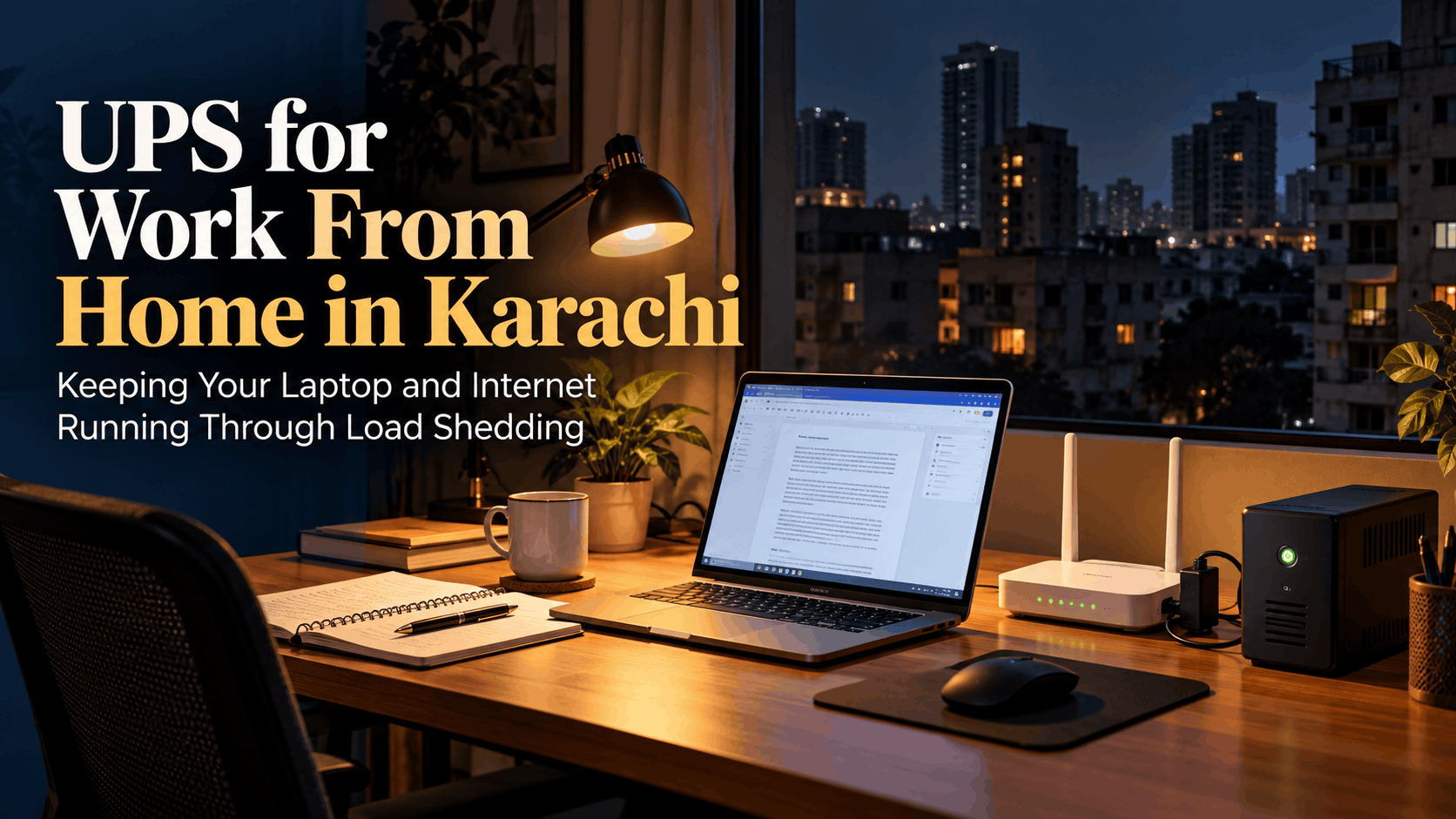
If you need a UPS for work from home in Karachi, the short answer is this: for a laptop-based setup, you mainly need to keep your router and fibre modem (ONT) powered, because your laptop already has its own battery. A small DC mini UPS for the router, or a home inverter UPS with a modest battery, covers most people. Desktop PCs, monitors and long outages are where you need to size more carefully.
Below is how to work out what you actually need, what a UPS will not fix, and what to do when the backup runs out in the middle of a client call.
What a UPS does and what it does not cover
In Karachi, "UPS" is used for two quite different things, and mixing them up is the most common buying mistake.
- Computer UPS: the small box that sits under a desk. It is designed to give you a few minutes to save work and shut down a desktop PC, not to run it through a full load-shedding slot. With a light load like a router, it lasts longer, but runtime is still limited by its small internal battery.
- Home UPS (inverter plus battery): the system many Karachi homes already have, usually wired to run fans and lights. Runtime depends on the size of the external battery, so it can last hours with a light load.
- DC mini UPS: a small battery pack that plugs between your router's adapter and the router. No inverter, so very little energy is wasted. This is often the cheapest fix for keeping Wi-Fi alive.
What none of these cover: if your ISP's equipment in the street or building also loses power, your router can be on and still have no internet. A UPS also does nothing for an air conditioner in practice, and heat is a real productivity problem during summer outages. And a battery that is already drained from the previous load-shedding slot will not help you in the next one.
Sizing a UPS for work from home: laptop, router and modem
Start by adding up what you want to keep running. Check the label on each adapter for its rated output. The figures below are rough typical ranges; your devices may differ.
| Device | Typical power draw (rough) |
|---|---|
| Wi-Fi router | 6–15 W |
| Fibre modem / ONT | 5–12 W |
| Laptop while charging | 45–100 W (adapter rating; actual use is often lower) |
| Phone charging | 5–20 W |
| External monitor | 20–40 W |
| Desktop PC | 150–400 W or more |
A simple way to estimate battery size
- Add up the watts you want to run. Example: router 12 W + ONT 8 W + laptop averaging 60 W = 80 W.
- Multiply by the hours of backup you want. For 3 hours: 80 × 3 = 240 Wh.
- Divide by about 0.8 to allow for inverter losses: roughly 300 Wh.
- If you use a lead-acid battery, roughly double it, because draining lead-acid batteries deeply shortens their life. That gives about 600 Wh, which is around a 12V 50Ah battery. Lithium (LiFePO4) batteries can safely use more of their capacity, so you need less nominal size.
If you only want to keep the router and ONT running (20 W for 3 hours = 60 Wh), a DC mini UPS is usually enough and avoids inverter losses entirely. Make sure its output voltage matches your router's adapter, usually 9V or 12V.
VA versus watts
UPS units are often sold by VA. As a rough rule, usable watts are about 60–80% of the VA figure. For a laptop-and-router setup, almost any home inverter is powerful enough; the battery is what decides how long it lasts. A pure sine wave inverter is the safer choice for electronics.
Backup options beyond a UPS: laptop battery and mobile hotspot
Your laptop is already a UPS. The question is how healthy its battery is.
- On Windows, run powercfg /batteryreport in Command Prompt to see design capacity versus current capacity.
- On a Mac, check battery health under System Settings, then Battery.
- If your battery has lost a lot of capacity, replacing it may be better value than buying a bigger UPS.
For internet, keep a mobile data plan as your second line. A phone hotspot can carry email, Slack and even video calls if signal is good. Two practical notes:
- Test your hotspot speed at your desk before you need it. Signal can be very different from one room to another.
- During long or area-wide outages, mobile networks can also slow down. A hotspot is a backup, not a guarantee.
For more on keeping a stable routine at home, see our guide on staying productive while working remotely in Pakistan.
Protecting unsaved work during a power cut
Hardware only solves half the problem. The other half is habits, especially for work from home jobs with live deadlines or calls.
- Turn on autosave and cloud sync. Use OneDrive, Google Drive or similar so files are saved continuously, not just when you remember.
- Commit often. Developers should push work-in-progress branches regularly, not once at the end of the day.
- Set battery alerts higher. Change your laptop's low-battery warning so you have time to finish a call and save, rather than getting a warning at 5%.
- Use hibernate, not sleep, when stepping away during an outage, so open work survives if the battery runs out.
- Know your load-shedding schedule. Check your area's timings and avoid booking important calls in those slots where you can.
- Tell clients your backup plan. A short note like "if my connection drops, I'll rejoin from mobile within five minutes" builds more trust than an unexplained disappearance.
If you work US hours, outages at night bring their own problems. Our post on setting up a night-friendly workspace for a US remote job covers that in more detail.
Choosing a workspace when power cuts threaten client deadlines
A good home setup handles most outages. But some situations push past what a home UPS can reasonably do:
- Long outages in summer, when the battery lasts but the heat makes focused work difficult.
- Desktop PCs, multiple monitors or GPU-heavy work that drain a home battery quickly.
- Client presentations or launches where a dropped connection is not acceptable.
- Outages that take down your ISP as well, leaving your router powered but offline.
In those cases, it is worth comparing the cost of a bigger battery against having a backup place to work. Our comparison of coworking, a home office and a rented office lays out the trade-offs.
At SandBox, both our Downtown (SMCHS) and Parkside (Gulshan-e-Iqbal) locations have power backup (generator/UPS), high internet speed with a backup line, and 24/7 access. Desks start from Rs.18,000/month for the Night Owl desk (8pm–6am weekdays, 24/7 weekends) and from Rs.22,000/month for a Flex desk with 24/7 access. These are starting prices; see current plans and rates for details. If you want to test it during your area's load-shedding slot, there is a free trial for up to 3 hours. Call or WhatsApp 03040445341 to book one.
Frequently asked questions
Can a small computer UPS run my desktop PC through load shedding?
Usually not. A typical computer UPS is meant to give you a few minutes to save and shut down a desktop. To run a desktop for an hour or more, you need a home inverter UPS with a properly sized external battery.
Why does my internet stop working even when my router is on a UPS?
Your ISP's equipment in your street or building may also lose power during load shedding. In that case your router stays on but has no connection. A mobile hotspot is the usual backup.
How long does a UPS battery last before it needs replacing?
It varies with battery type, heat and how deeply it is discharged. Lead-acid batteries generally wear out faster than lithium ones, especially if they are regularly drained low. If backup time keeps shrinking, the battery is likely ageing.
Is a DC mini UPS safe for my router?
Yes, as long as its output voltage matches your router's adapter, usually 9V or 12V, and it can supply enough current. Check the label on the router's adapter before buying.